difference between Nafath, Tawakkalna, and Absher What Each App Does
If you are new to KSA, the difference between Nafath, Tawakkalna, and Absher can feel confusing fast. They are not competing apps. They work together. One is mainly for Ministry of Interior services, one is a national services super app, and one is the secure identity approval step that shows up when you log in or confirm something important.
For more practical Saudi guides like this Check out our homepage
difference between Nafath, Tawakkalna, and Absher quick differences
Here is the simplest way to think about them.
- Absher is where many Ministry of Interior services live, especially anything tied to residency, civil status, and official records.
- Tawakkalna is a national super app that brings many services and documents into one place, and it often uses Nafath for sign in.
- Nafath is the national digital identity and secure approval layer. It is the app that asks you to approve a login or verification request.
Absher explained in plain English
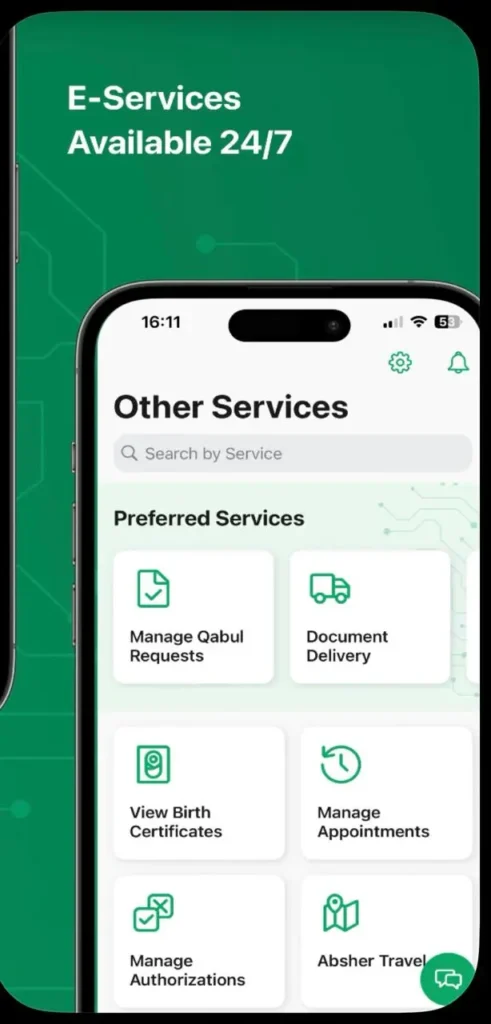
Absher is the official e services platform for the Ministry of Interior. In day to day life, it is most closely linked to residency and government transactions that need strong identity checks. It also matters because many verification flows in Saudi Arabia depend on your mobile number being correctly linked to your identity in government systems.
People commonly use Absher for tasks that feel like paperwork, but done digitally. Think of things like appointments, requests, and status checks that relate to MOI services and linked sectors.
Tawakkalna explained in plain English
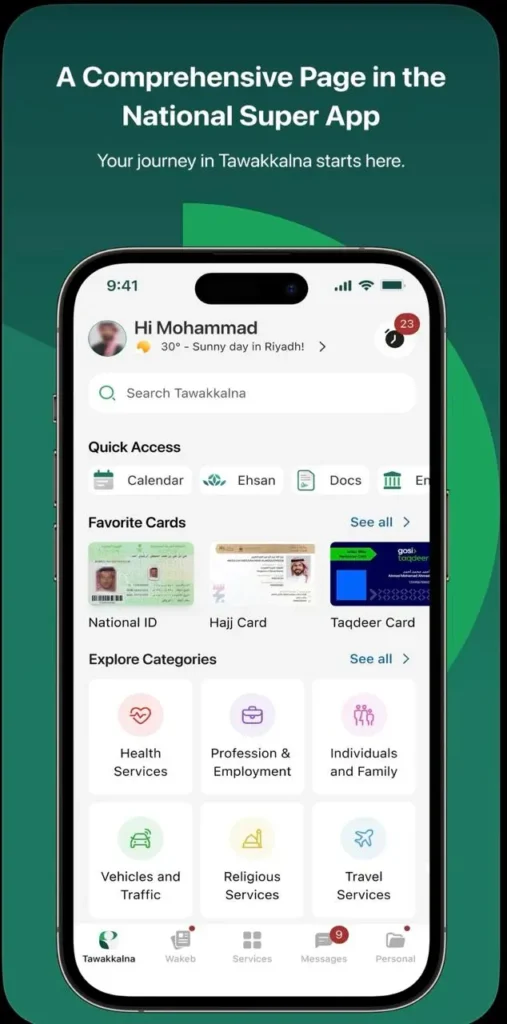
Tawakkalna is run under SDAIA and is positioned as a national super app. It brings services and information into one place, and it supports different user types, including citizens, residents, and visitors. For many users, it becomes the everyday app you open when you need quick access to a status, a document, or a connected government service.
One practical detail that trips people up is account setup. In the official registration flow, the verification code is commonly sent to the mobile number registered in Absher. That is why someone can have a valid Iqama, but still fail registration if the phone number linkage is not right.
Tawakkalna is available on app store and play store
Nafath explained in plain English
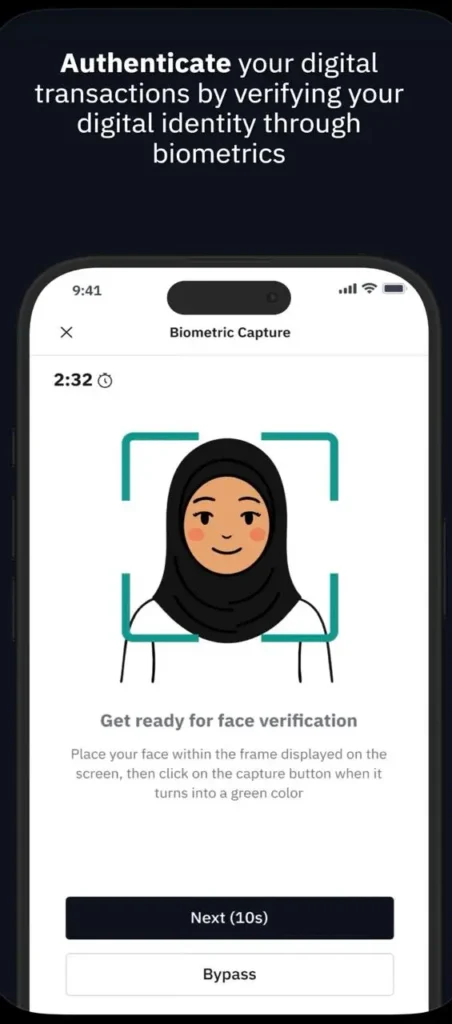
Nafath is the national single sign on and identity verification platform. In normal use, it feels like an approval app. You try to sign in to a government service, then Nafath prompts you to approve the request. That approval is what completes the login or verification step.
This is why Nafath shows up even when you are not trying to use a Nafath website. Many services use it behind the scenes as the secure identity gate.
Nafath is on both Ios and Android
Which one should you install first
If you are setting up your phone after arriving, install them in this order so you avoid most setup loops.
- Absher, because it is foundational for many identity linked transactions and can affect mobile number verification flows.
- Nafath, because it is used to approve logins and sensitive actions across many services.
- Tawakkalna, because it often relies on the other two for smooth registration and sign in.
Common scenarios and which app to use
Use this as a quick decision helper.
- If the task feels like a Ministry of Interior service, start with Absher.
- If the service asks you to approve a request, open Nafath and approve it.
- If you need an all in one government services hub, or a service that is commonly accessed day to day, open Tawakkalna.
What you’ll see on the screen
These apps change layouts over time, but the key labels are usually consistent.
- In Tawakkalna, look for options like sign in using Nafath, visitor registration, and verification code steps.
- In Nafath, you typically see a request screen with an approve or reject choice, plus a request number or verification method prompt.
- In Absher, you usually see login, services for individuals, and service categories that match government transactions.
Common issues and quick fixes
Most problems are not technical. They are usually identity linking or phone number mismatches.
Problem Tawakkalna says the verification code is not arriving
First, make sure you are using the mobile number that is registered to your identity in government systems. If you recently changed numbers, confirm that the correct number is the one tied to your main account. Then try again on stable mobile data, not spotty Wi Fi.
Problem You are stuck in a Nafath approval loop
Close the service you are trying to log into, open Nafath directly, and look for a pending request. Approve it, then return to the original app. If there is no request, retry the login and watch for a new prompt.
Problem The app says your identity cannot be verified
Double check the basics: correct ID or Iqama number, correct date of birth format, and the same phone number used during registration. If you are a visitor, use the visitor path inside Tawakkalna rather than the resident path.
Safety tips for logins and approvals
In Saudi Arabia, Nafath approvals are a serious security step, similar to approving a bank login. Treat them that way.
- Never approve a Nafath request you did not personally start.
- Do not share your Absher or Nafath credentials, even with a friend or colleague.
- If you get repeated unexpected approval requests, stop and secure your accounts before trying again.
Quick checklist for new arrivals
- Install Absher, Nafath, and Tawakkalna.
- Use one phone number consistently during setup and keep it active.
- When a service redirects you for approval, switch to Nafath, approve, then return.
- Use the correct registration path in Tawakkalna, especially if you are a visitor.