How to Change Driving Test Appointment in Absher Reschedule Step by Step
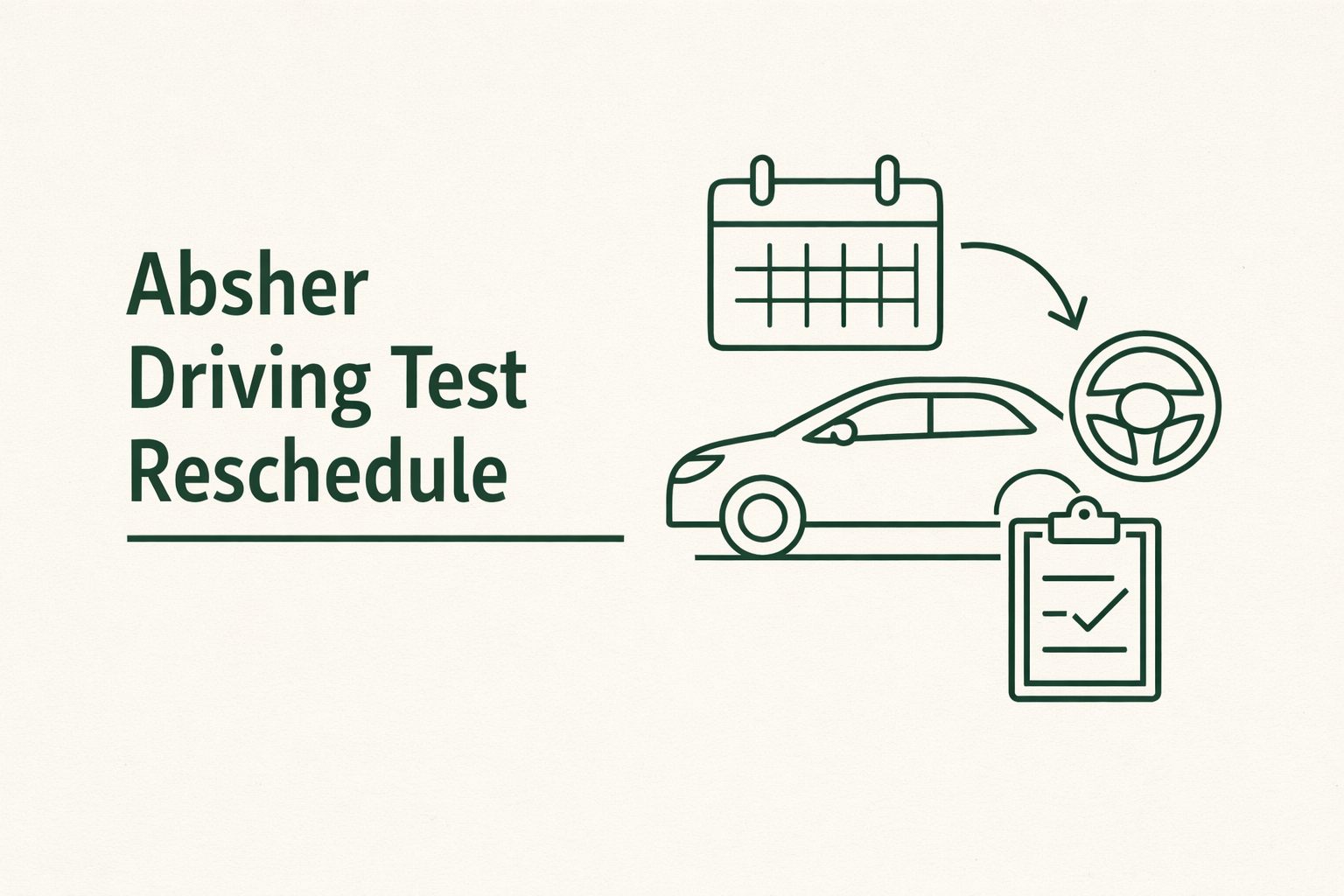
If you need to reschedule your driving test or training slot, Absher makes it possible without visiting an office. This guide covers the exact steps for Absher driving test reschedule, what you can change, and what to do if you cannot find available appointments.
In Saudi Arabia, driving training appointments are linked to approved driving schools under Traffic services, so the process happens inside the Absher platform.
What you can actually change in Absher
Absher allows citizens and residents to book or update driving training appointments at authorized driving schools through the Traffic section.
This is the appointment used for driving school training, evaluation, and the steps that lead to issuing your driving license after passing the required tests. If your goal is just changing the date or switching to a different available slot, you usually do not need to cancel everything manually. You manage it from the same appointment screen.
Before you reschedule your driving appointment
Make sure these basics are ready before you try updating anything.
- Your Absher account is active and verified
- You have your Iqama or National ID details available
- Your driving school file is already created if you have started training
- You are checking during working hours, because new slots often appear during the day
Also remember that appointment availability depends heavily on your city and the driving school’s schedule.
Step by step Absher driving test reschedule
Here is the usual path to change your driving appointment inside Absher Individuals.
Log in to Absher Individuals
Go to the official Absher platform and sign in.
Open the Appointments section
From the main dashboard, choose Appointments.
Select Traffic
Under appointment categories, pick Traffic.
This is where driving license and training bookings are handled.
Find your current driving training appointment
Absher will show your existing booking if you already have one. Look for options like Update or Manage Appointment.
Choose a new date and time
If rescheduling is available, you will be able to select a new slot from the calendar. Pick the new time based on what your driving school offers.
Confirm the updated booking
Once confirmed, Absher will issue the updated appointment details. It is a good idea to keep a screenshot or saved copy for your records.
If you want more practical Saudi step by step guides like this, check the local help section on KSA Buddy for expats and residents .
Common problems when changing driving appointments
No available slots
This is the most common issue, especially in Riyadh, Jeddah, and other large cities.
Try checking again early morning or later in the evening when cancellations open spaces.
Update option not showing
In some cases, Absher may only allow cancel and rebook instead of direct rescheduling.
If you do not see an Update button, cancel the current appointment and immediately search for a new one.
Driving school requirement mismatch
Some appointment types only appear once your driving school has marked you eligible for evaluation or test scheduling.
If your training stage is incomplete, Absher may block new bookings.
Absher technical errors
If the page does not load or gives an error, try
- Switching browsers
- Using the Absher mobile app
- Clearing cache
- Checking again after a few hours
- Tips to get an earlier driving test date
- Check frequently, since cancellations happen daily
- Avoid weekends when fewer slots are released
- Be flexible with nearby branches if your city has multiple schools
- Ask your driving school if they can open additional slots in their system
When you need to contact the driving school directly
Absher handles the appointment booking, but driving schools control training phases, attendance, and when you are ready for the next step.
If you are already enrolled and cannot move forward, the school may need to update your file before Absher shows new options.