SADAD Explained How to Pay Bills Government Fees and Fines from Any Saudi Bank App
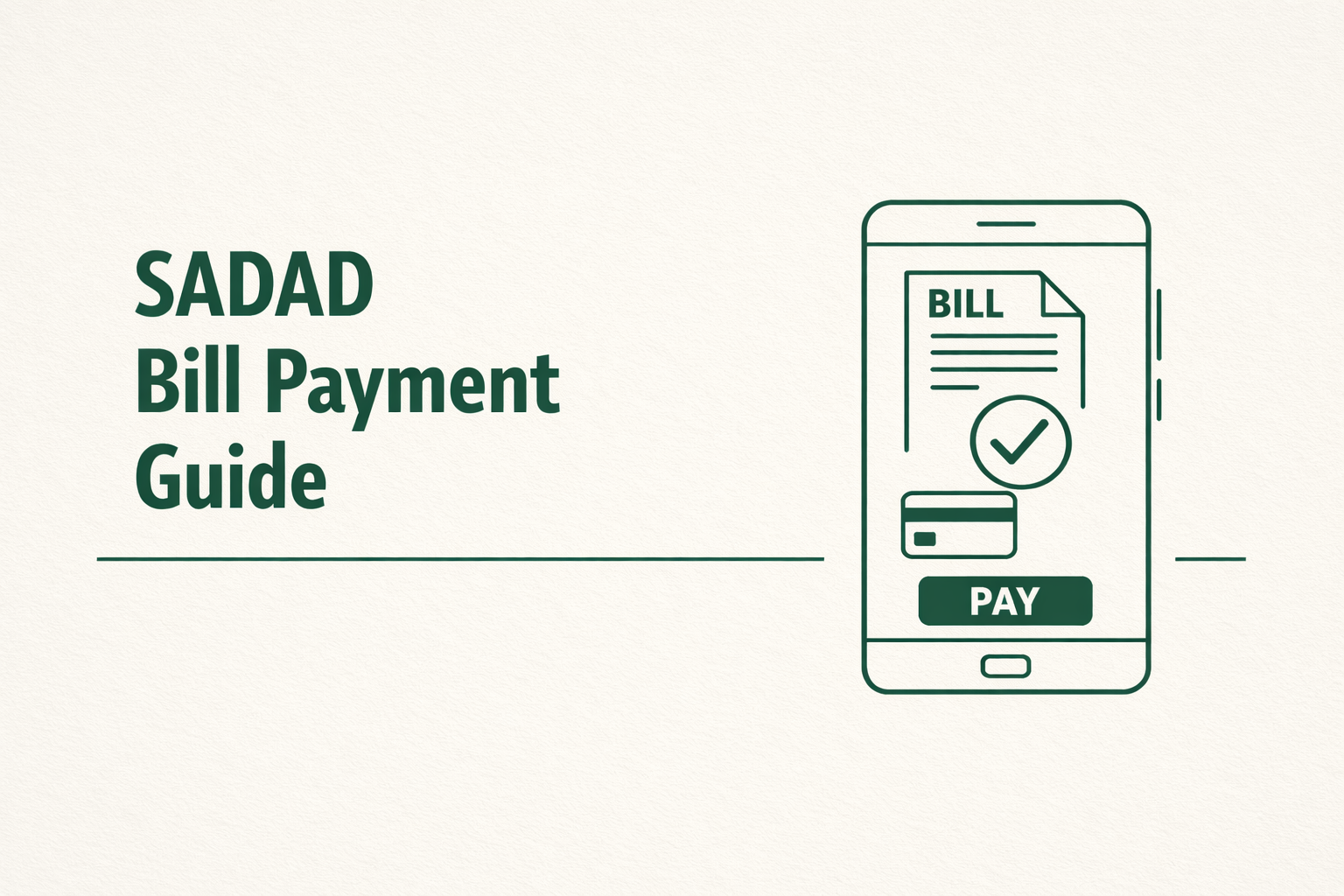
SADAD is the national electronic bill presentment and payment system in Saudi Arabia. This guide explains how SADAD bill payment Saudi Arabia works and how you can use it from any Saudi bank app to pay utilities, government fees, and fines without visiting offices or service centers.
What is SADAD in Saudi Arabia
SADAD is a centralized payment system managed under the Saudi Central Bank. It connects government entities, utilities, telecom providers, and banks on one platform. Instead of paying each provider separately, you pay through your bank using a SADAD biller or invoice number.
Payments made through SADAD are processed in real time or near real time depending on the service. Once paid, the receiving entity updates your record automatically.
Why SADAD Is Important for Residents and Expats
- SADAD removes the need for cash payments and in person visits. Most essential services in Saudi Arabia rely on it.
- You need SADAD to pay government fees such as Iqama related services, exit re entry fees, traffic fines, electricity, water, internet, and mobile bills.
- All Saudi banks support SADAD through their mobile apps, online banking, and ATMs.
SADAD bill payment Saudi Arabia supported services
SADAD covers a wide range of payments. Availability depends on the biller and the government platform used.
Government fees
Many government services generate a SADAD invoice before completion. This includes Absher services, Muqeem transactions, visa related fees, traffic fines, and some municipal services. The invoice is usually linked to your national ID or Iqama number.
Utilities and telecom
Electricity, water, internet, and mobile providers issue recurring SADAD bills. These appear automatically in your bank app once the bill is generated.
Traffic fines
Traffic violations recorded by the system are payable through SADAD. Once issued, the fine appears under the relevant government biller in your bank app.
How to pay using any Saudi bank app
The steps are similar across all Saudi banks.
Step 1 Get the SADAD bill details
You will either receive a SADAD biller number and invoice number or the bill will appear automatically under your ID or Iqama.
For government services, the platform usually shows a SADAD invoice number after submission.
Step 2 Log in to your bank app
Open your Saudi bank mobile app and sign in. Go to payments or bill payments.
Step 3 Select SADAD payments
Choose SADAD or SADAD bills from the payment options. Select whether you are paying a registered biller or entering details manually.
Step 4 Enter or select the bill
If the bill appears automatically, select it. If not, enter the biller number and invoice or subscriber number exactly as provided.
Double check the amount and service name before proceeding.
Step 5 Confirm and save the receipt
Confirm the payment using your bank verification method. Save or screenshot the payment receipt. This is your proof of payment.
How long SADAD payments take to reflect
- Most SADAD payments reflect immediately. Some government services update within minutes. In rare cases, it can take up to 24 hours depending on the platform.
- If the service does not update, keep the receipt and check the original platform later.
What you can and cannot pay through SADAD
- SADAD supports most major services but not everything.
- You can pay official government fees that issue SADAD invoices, utilities, telecom bills, traffic fines, and many education related fees.
- You cannot use SADAD for private cash services, unofficial fines, or services that do not issue a SADAD bill. Some small private providers may use other payment gateways.
How to check your SADAD payment history
- You can view your SADAD payment history directly in your bank app under bill payments or transaction history.
- Government platforms like Absher also show payment confirmation once the system updates.
Common problems and how to avoid them
- Incorrect biller or invoice numbers cause failed payments. Always copy details exactly.
- Expired invoices cannot be paid. If an invoice expires, generate a new one from the original platform.
- If a payment is successful but the service does not update, wait a few hours and then check again before contacting support.
For more Ksa related information visit KsaBuddy